

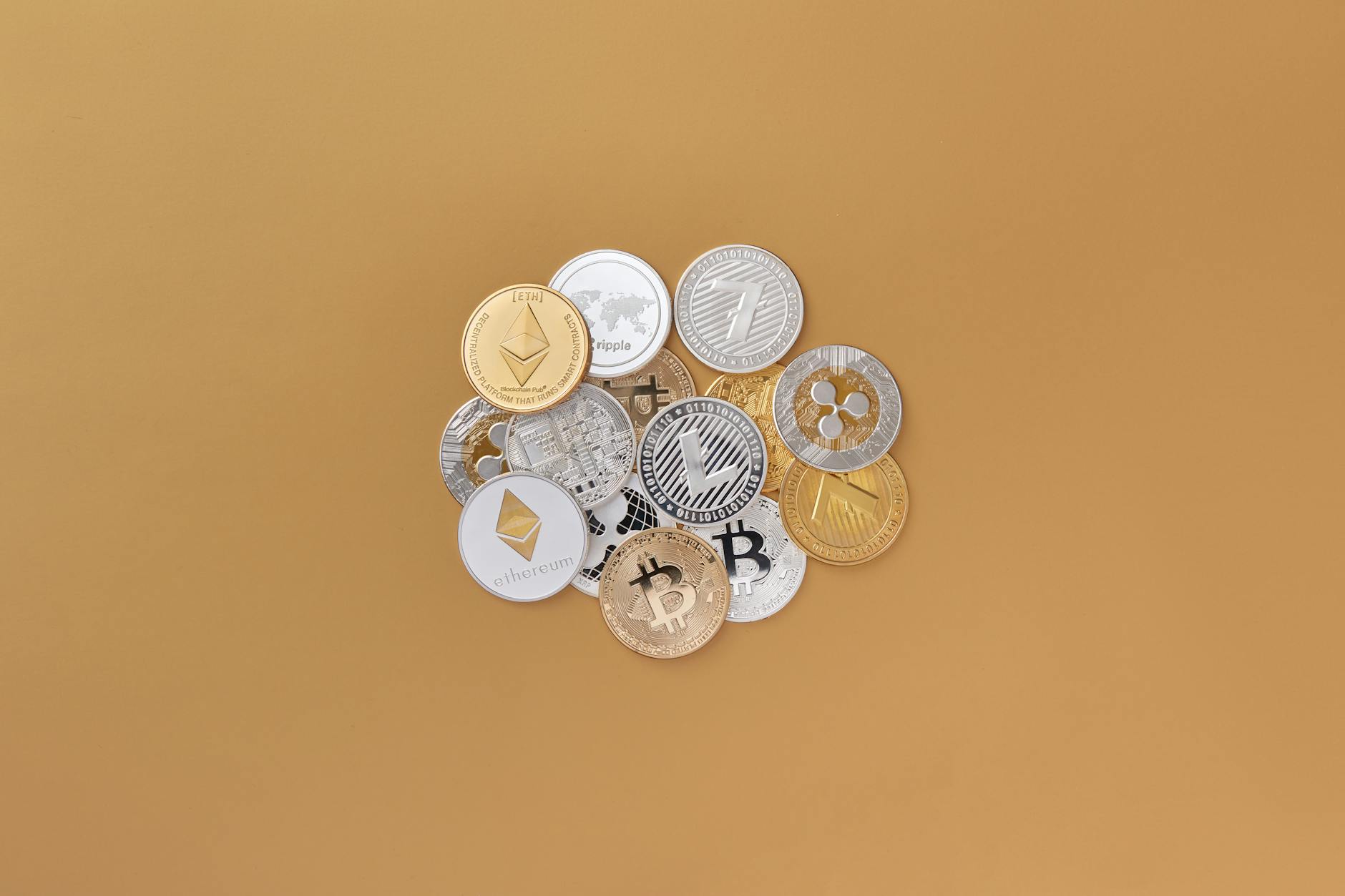

Top Strategies for Securing Your Digital Assets
In an era where digital assets represent significant personal and financial value, security has become paramount. From cryptocurrency holdings to sensitive personal data, protecting your digital property requires a comprehensive, multi-layered approach that addresses evolving threats and vulnerabilities.
Critical Reality: Over $3.8 billion in cryptocurrency was stolen in 2024, and 95% of cybersecurity breaches involve human error. Your digital assets are only as secure as your weakest security practice.
Understanding Digital Asset Security
Digital assets encompass far more than just cryptocurrency. They include your email accounts, social media profiles, cloud storage, financial accounts, digital wallets, intellectual property, personal photos and documents, and any other data or value stored electronically. Each requires specific security considerations while benefiting from universal security principles.
The threat landscape continues to evolve with sophisticated attackers using advanced techniques to compromise accounts, steal cryptocurrency, and access sensitive information. Understanding these threats is the first step toward effective protection.
Strategy 1: Implement Strong Authentication Practices
Authentication serves as the first line of defense for all your digital assets. Weak or compromised credentials are the leading cause of unauthorized access and account takeovers.
Password Security Fundamentals
Despite widespread awareness, password security remains a critical vulnerability for most users. Creating and maintaining strong passwords across all accounts is essential for digital asset protection.
- Use passwords with minimum 16 characters combining uppercase, lowercase, numbers, and symbols
- Never reuse passwords across different accounts or services
- Avoid personal information like names, birthdays, or common words
- Change passwords immediately if any service announces a breach
- Use password managers to generate and store complex passwords securely
- Enable password manager auto-lock after brief inactivity periods
- Never share passwords via email, text message, or insecure channels
Multi-Factor Authentication (MFA)
Multi-factor authentication adds critical security layers by requiring additional verification beyond passwords. This single security measure prevents 99.9% of automated attacks and account takeover attempts.
| MFA Method | Security Level | Pros | Cons |
|---|---|---|---|
| Hardware Security Keys (YubiKey) | Very High | Phishing-resistant, no battery needed | Can be lost, costs money |
| Authenticator Apps (Google, Authy) | High | Works offline, free, secure | Requires phone access |
| Biometric (Fingerprint, Face ID) | Medium-High | Convenient, fast access | Can’t change if compromised |
| SMS Text Codes | Medium | Easy to use, widely supported | Vulnerable to SIM swapping |
| Email Codes | Low-Medium | Accessible anywhere | Only as secure as email account |
For cryptocurrency accounts and financial services, always use authenticator apps or hardware keys rather than SMS-based authentication. SIM swap attacks specifically target SMS verification to gain access to high-value accounts.
Secure Your Digital Assets Today
Get professional security assessment and implementation guidance for comprehensive protection.
Schedule Security Review → View Security Services →Strategy 2: Secure Cryptocurrency Storage
Cryptocurrency requires specialized security considerations due to its irreversible nature and high value. Unlike traditional bank accounts, lost or stolen crypto often cannot be recovered, making prevention absolutely critical.
Wallet Security Hierarchy
Different wallet types offer varying levels of security and convenience. Understanding these differences helps you choose appropriate storage for different amounts and use cases.
Hardware Wallets (Highest Security)
Hardware wallets like Ledger and Trezor provide the strongest protection for cryptocurrency by keeping private keys completely offline. These devices are essential for storing significant amounts of crypto long-term.
- Store private keys offline, immune to online hacking attempts
- Require physical confirmation for every transaction
- Protect against malware and phishing attacks
- Support multiple cryptocurrencies on single device
- Recoverable via seed phrase if device is lost or damaged
Our hardware wallet recovery services assist users who’ve lost access to their Ledger, Trezor, or other hardware devices.
Software Wallets (Medium Security)
Software wallets like Metamask, Trust Wallet, and Exodus offer convenience for active trading and DeFi participation while providing reasonable security when properly configured.
- Enable all available security features and 2FA options
- Only download from official sources (never third-party sites)
- Verify wallet addresses before installing or restoring
- Keep recovery phrases offline in secure physical locations
- Use separate wallets for different purposes (trading vs. holding)
- Regularly update wallet software to latest versions
For users who need assistance with software wallet issues, we provide specialized recovery for Metamask, Trust Wallet, Exodus, and other popular wallets.
Exchange Wallets (Lowest Security)
While convenient, keeping cryptocurrency on exchanges carries significant risk. Exchanges are prime targets for hackers and have been compromised repeatedly throughout crypto history.
⚠ Critical Warning: Never store significant cryptocurrency amounts on exchanges long-term. Use exchanges only for active trading, withdrawing to your own wallets for storage. Remember: “Not your keys, not your coins.”
Seed Phrase Security
Your seed phrase (recovery phrase) is the master key to your cryptocurrency. Anyone with access to your seed phrase can steal all your crypto, making its protection absolutely paramount.
- Write seed phrases on paper or metal plates, never digitally
- Store multiple copies in geographically separate secure locations
- Never photograph, screenshot, or type seed phrases on connected devices
- Consider splitting storage across two secure locations for redundancy
- Use fireproof and waterproof storage containers
- Never share seed phrases with anyone, including family or “support” staff
- Test recovery process with small amounts before storing significant value
If you’ve lost your seed phrase or have partial information, our seed phrase recovery service may be able to help reconstruct missing words through computational methods.
Strategy 3: Protect Against Common Threats
Understanding and defending against common attack vectors prevents the majority of digital asset theft and unauthorized access.
Phishing Attack Prevention
Phishing remains the most common method for stealing cryptocurrency and account credentials. These attacks trick users into revealing sensitive information through fake websites, emails, or messages.
- Always verify URLs character-by-character before entering credentials
- Bookmark legitimate sites rather than clicking links in emails
- Check for HTTPS and valid SSL certificates on all sites
- Be suspicious of unexpected emails or messages requesting action
- Never click links in unsolicited messages, even from apparent contacts
- Verify sender addresses carefully (look for subtle misspellings)
- Use anti-phishing browser extensions like MetaMask’s phishing detector
You can check if your email has been compromised in known phishing attacks using Have I Been Pwned, a free breach detection service.
Malware and Keylogger Protection
Malicious software can steal passwords, seed phrases, and cryptocurrency directly from your computer or phone. Comprehensive protection requires multiple defensive layers.
- Install reputable antivirus software and keep it updated
- Enable real-time protection and scheduled scans
- Only download software from official sources and verified publishers
- Scan all downloads with VirusTotal before opening
- Keep operating systems and all software updated with security patches
- Avoid pirated software which often contains hidden malware
- Use virtual keyboards for entering sensitive passwords on shared computers
- Consider dedicated devices for high-value cryptocurrency transactions
Social Engineering Defense
Social engineering attacks manipulate human psychology to bypass technical security measures. These attacks target your trust and emotions rather than software vulnerabilities.
Common Social Engineering Tactics:
- Urgency: “Act now or lose your funds!” pressure tactics
- Authority: Impersonating support staff, law enforcement, or officials
- Trust: Building relationships over time before requesting money
- Fear: Threatening account closure or legal action
- Greed: Promising guaranteed returns or exclusive opportunities
Remember: Legitimate services never contact you unsolicited requesting passwords, seed phrases, or immediate fund transfers. Always independently verify requests through official channels.
If you’ve fallen victim to social engineering or romance scams involving cryptocurrency, our romance scam recovery services and general scam recovery can help trace and potentially recover stolen funds.
Strategy 4: Implement Device Security
Your devices are the gateway to your digital assets. Compromised phones, computers, or tablets can expose all your accounts and cryptocurrency to theft.
Mobile Device Security
Smartphones hold access to email, authenticator apps, cryptocurrency wallets, and banking applications, making them prime targets for attackers.
- Enable strong passcodes or biometric locks (Face ID, fingerprint)
- Set devices to auto-lock after 30 seconds of inactivity
- Enable “Find My Device” features for remote location and wiping
- Disable lock screen notifications that reveal sensitive information
- Only install apps from official app stores (Apple App Store, Google Play)
- Review and limit app permissions regularly
- Enable automatic security updates
- Avoid public WiFi for sensitive transactions (use VPN if necessary)
If you suspect your phone has been compromised, our phone hack check service can detect unauthorized access, spyware, and malware.
Computer Security
Computers often store wallet software, browser extensions, and sensitive files requiring comprehensive protection.
- Use full disk encryption (BitLocker for Windows, FileVault for Mac)
- Enable firewall protection and configure it properly
- Install and maintain updated antivirus/anti-malware software
- Use strong, unique passwords for user accounts and encryption
- Enable automatic security updates for OS and all software
- Be cautious with USB drives and external devices
- Regularly backup important data to offline storage
- Consider using separate computers for cryptocurrency and general use
Network Security
Securing your network connection prevents attackers from intercepting sensitive data or accessing your devices remotely.
- Change default router passwords to strong, unique alternatives
- Enable WPA3 encryption on your WiFi network
- Hide your WiFi SSID from public broadcasting
- Disable WPS (WiFi Protected Setup) which has known vulnerabilities
- Keep router firmware updated with latest security patches
- Use VPN services for additional encryption when needed
- Avoid conducting sensitive transactions on public WiFi networks
- Implement network segmentation for IoT devices
Test your network security using tools like SSL Labs SSL Test and Security Headers for web applications.
Need Professional Security Assessment?
Our experts can audit your digital asset security and provide customized protection strategies.
Request Assessment →Strategy 5: Practice Safe Transaction Habits
Even with perfect security, careless transaction habits can result in permanent loss. Developing disciplined practices for handling digital assets prevents costly mistakes.
Cryptocurrency Transaction Safety
Cryptocurrency transactions are irreversible, making caution essential for every transfer.
- Always verify receiving addresses character-by-character before sending
- Test with small amounts first when sending to new addresses
- Double-check network selection (Ethereum vs. BSC vs. Polygon)
- Save frequently-used addresses in verified contact lists
- Be aware of clipboard hijacking malware that changes copied addresses
- Understand gas fees and set appropriate limits to avoid overpaying
- Never send crypto to addresses in social media comments or DMs
- Verify smart contract interactions before approving transactions
If you’ve sent cryptocurrency to the wrong network, our crypto recovery services may be able to help retrieve funds through cross-chain recovery techniques.
Smart Contract and DeFi Safety
Decentralized finance offers opportunities but introduces unique risks through smart contract interactions.
- Research projects thoroughly before investing or providing liquidity
- Check contract audits from reputable firms (CertiK, Trail of Bits)
- Understand what permissions you’re granting with token approvals
- Revoke unnecessary token approvals regularly using tools like Revoke.cash
- Be extremely cautious with new or unaudited protocols
- Never invest more than you can afford to lose in DeFi
- Watch for rug pull warning signs (anonymous teams, unrealistic returns)
Victims of DeFi rug pulls can contact our rug pull recovery service for blockchain forensics and potential recovery assistance.
Strategy 6: Maintain Comprehensive Backups
Backups protect against device failure, accidental deletion, ransomware, and physical disasters. A comprehensive backup strategy ensures you can always recover your digital assets.
The 3-2-1 Backup Rule
This proven backup strategy provides maximum protection against data loss:
- 3 Copies: Keep three total copies of important data (one primary, two backups)
- 2 Different Media: Store backups on two different media types (external drive + cloud)
- 1 Offsite Copy: Keep at least one backup in a different physical location
What to Backup
- Seed phrases and recovery information (offline, physical storage only)
- Wallet backup files and keystore files
- Password manager databases (encrypted)
- Important documents and financial records
- Photos, videos, and irreplaceable personal files
- Email archives and important correspondence
- Authentication app backup codes
- Software licenses and registration information
⚠ Critical: Never backup seed phrases or private keys to cloud storage, even encrypted. These should only exist in physical, offline form stored securely. Cloud backups are for non-sensitive data only.
If you’ve lost important data, our data recovery services may be able to retrieve files from damaged or corrupted storage devices.
Strategy 7: Stay Informed and Vigilant
The threat landscape evolves constantly. Maintaining security requires ongoing education and awareness of new attack methods.
Security Education Resources
- Follow reputable cybersecurity news sources and blogs
- Subscribe to security alerts from services you use
- Participate in security-focused communities and forums
- Take online courses in cybersecurity fundamentals
- Read official security advisories from wallet and exchange providers
- Attend webinars and virtual conferences on digital security
- Practice security drills and recovery procedures periodically
Regular Security Audits
Conducting periodic security reviews ensures your protection measures remain effective.
- Review and update all passwords quarterly
- Audit active sessions and revoke unrecognized devices
- Check for unauthorized account access attempts
- Review and revoke unnecessary app permissions
- Update recovery contact information
- Test backup and recovery procedures
- Verify hardware wallet firmware is current
- Review and update emergency access plans
Strategy 8: Prepare for Recovery Scenarios
Despite best efforts, security incidents can occur. Preparation enables faster, more effective response and recovery.
Create an Emergency Response Plan
- Document all accounts, wallets, and digital assets in secure location
- Maintain list of emergency contacts (exchanges, security services, legal)
- Prepare incident response procedures for different scenarios
- Store recovery phrases and backup codes in multiple secure locations
- Designate trusted individuals for emergency access (with proper safeguards)
- Keep professional recovery service contacts readily available
- Document your security setup for troubleshooting purposes
When to Seek Professional Help
Certain situations require expert assistance to prevent permanent loss or maximize recovery chances.
- Lost access to significant cryptocurrency holdings
- Suspected account compromise or unauthorized access
- Cryptocurrency theft or scam victimization
- Complex wallet recovery requiring technical expertise
- Need for blockchain forensics and transaction tracing
- Data recovery from damaged or corrupted devices
- Security incidents requiring professional investigation
Jayglotech provides comprehensive digital asset security and recovery services:
- Cybersecurity services for proactive protection
- Cryptocurrency recovery for lost or stolen crypto
- Digital forensics for incident investigation
- Blockchain forensics for transaction tracing
- Private investigation for fraud cases
Free Security Tools and Resources
These trusted tools help assess and improve your digital asset security without requiring payment or sharing sensitive information.
Digital Asset Security Checklist
Use this comprehensive checklist to evaluate and improve your current security posture.
Authentication & Access
- All accounts use unique, strong passwords (16+ characters)
- Password manager installed and actively used
- Multi-factor authentication enabled on all critical accounts
- Hardware security keys used for most valuable accounts
- Biometric authentication enabled where available
- Recovery contact information current and accessible
Cryptocurrency Security
- Hardware wallet used for long-term storage
- Seed phrases written on durable material (metal preferred)
- Multiple seed phrase copies stored in separate locations
- No seed phrases stored digitally or in cloud
- Test transactions performed before large transfers
- Regular token approval reviews and revocations
- Separate wallets for different risk levels
Device Security
- All devices protected with strong passcodes/biometrics
- Automatic security updates enabled
- Full disk encryption activated
- Antivirus/anti-malware installed and updated
- Firewall enabled and properly configured
- Only essential apps and software installed
- Regular permission audits conducted
Network & Communication
- Home WiFi uses WPA3 encryption
- Router password changed from default
- VPN used for sensitive transactions
- Public WiFi avoided or used with VPN only
- Email encryption enabled where possible
- Secure messaging apps used for sensitive communications
Backups & Recovery
- 3-2-1 backup strategy implemented
- Critical data backed up weekly minimum
- Backup restoration tested successfully
- Offline backups maintained for sensitive data
- Emergency access plan documented
- Recovery procedures tested periodically
Comprehensive Security Assessment Available
Let our experts evaluate your digital asset security and provide actionable improvement recommendations.
Book Assessment → Penetration Testing →Common Security Mistakes to Avoid
Learning from common mistakes helps you avoid expensive security failures.
- Reusing passwords across accounts: One breach compromises all accounts
- Storing seed phrases digitally: Makes theft trivially easy for hackers
- Ignoring software updates: Leaves known vulnerabilities unpatched
- Clicking unknown links: Primary vector for phishing attacks
- Using SMS for 2FA: Vulnerable to SIM swap attacks
- Keeping crypto on exchanges: You don’t control the keys
- Not testing backups: Discover failures only when it’s too late
- Sharing screens without caution: Can expose sensitive information
- Using public computers for sensitive tasks: May have keyloggers installed
- Trusting “too good to be true” offers: Almost always scams
- Neglecting mobile security: Phones hold access to everything
- Not having recovery plans: Panic leads to poor decisions in crisis
The Future of Digital Asset Security
Understanding emerging security technologies helps you stay ahead of evolving threats and adopt new protective measures as they mature.
Emerging Security Technologies
- Quantum-Resistant Cryptography: Preparing for the quantum computing era
- Decentralized Identity: Self-sovereign identity management
- Biometric Blockchain: Combining biometrics with distributed ledgers
- AI-Powered Threat Detection: Machine learning for real-time attack prevention
- Hardware Security Modules: Enterprise-grade protection for individuals
- Multi-Signature Wallets: Requiring multiple parties for transactions
- Social Recovery Systems: Trusted contacts help recover access
Stay informed about these developments while maintaining fundamental security practices that provide protection regardless of technological changes.
Digital Asset Security FAQs
Last Updated:
Leave a Reply